 English
 Português (Brasil)
 Español
SSD Upgrades for Small Business PCs: When They Pay Off
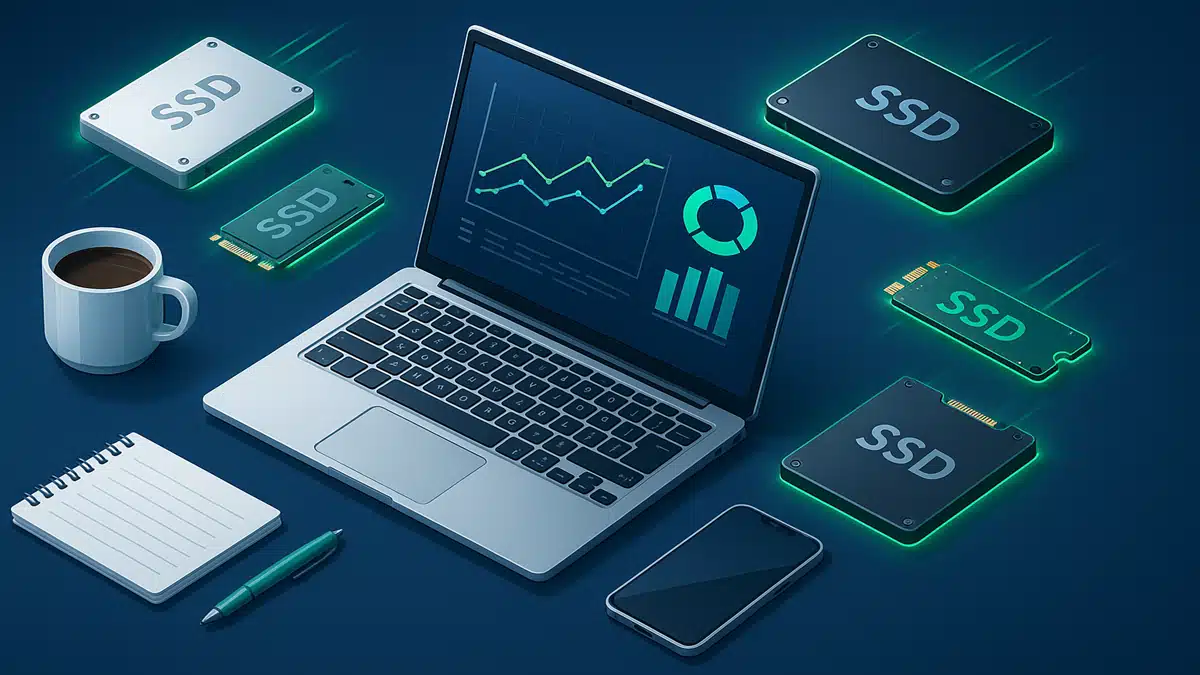
An SSD upgrade is the rare hardware spend that can genuinely revive a computer — when the disk is actually the problem. This is not a product roundup and there are no affiliate links here: it’s a guide to deciding which machines deserve the upgrade, and which don’t need you to spend anything at all.
Why storage is usually the real bottleneck
Slow boots, slow logins, the spinner when three apps open at once — most “this computer is slow” complaints are storage complaints in disguise. A machine still running on a spinning hard drive is limited by it no matter how good the rest of the hardware is.
Which machines actually need it
In a business with more than a couple of PCs, guessing is expensive in both directions: upgrade the wrong machine and you wasted money; skip the right one and you keep paying in lost time. The reliable way to decide is measurement — disk health, disk saturation, memory pressure.
GuardifAI does that continuously on every enrolled machine: it flags the computers where the disk is the real bottleneck, and — more urgently — the disks that are starting to fail before they take a workday (or your files) with them. The upgrade itself is a quick job for the IT professional you already trust.
SATA vs NVMe, in plain language
| SATA SSD | NVMe SSD | |
|---|---|---|
| How it feels | Dramatically faster than any hard drive | Faster still on large files and heavy multitasking |
| Fits | Any machine with a 2.5" drive bay — ideal for older PCs | Machines with an M.2 slot (most PCs from ~2018 on) |
| Choose it when | Reviving an older desktop or laptop | The machine has an M.2 slot — prices are now close |
What matters in the drive itself
- 500 GB as the floor — small drives fill up, and full SSDs slow down.
- A DRAM cache, which keeps performance consistent under sustained work — the spec budget drives quietly omit.
- Endurance and warranty (TBW rating; five-year warranties are common on quality drives) — a good proxy for how much the maker trusts it.
When to skip the upgrade
- The machine already runs on an NVMe drive — the bottleneck is elsewhere, usually memory.
- The computer is near end of life for other reasons; put the money toward its replacement.
- The slowness lives in one application — that’s a software problem, and no drive fixes it.
Related: IT management for small businesses without an IT team.