 English
 Português (Brasil)
 Español
Tech Support & Troubleshooting
Why Your PC Hates Mondays (And How to Fix It)
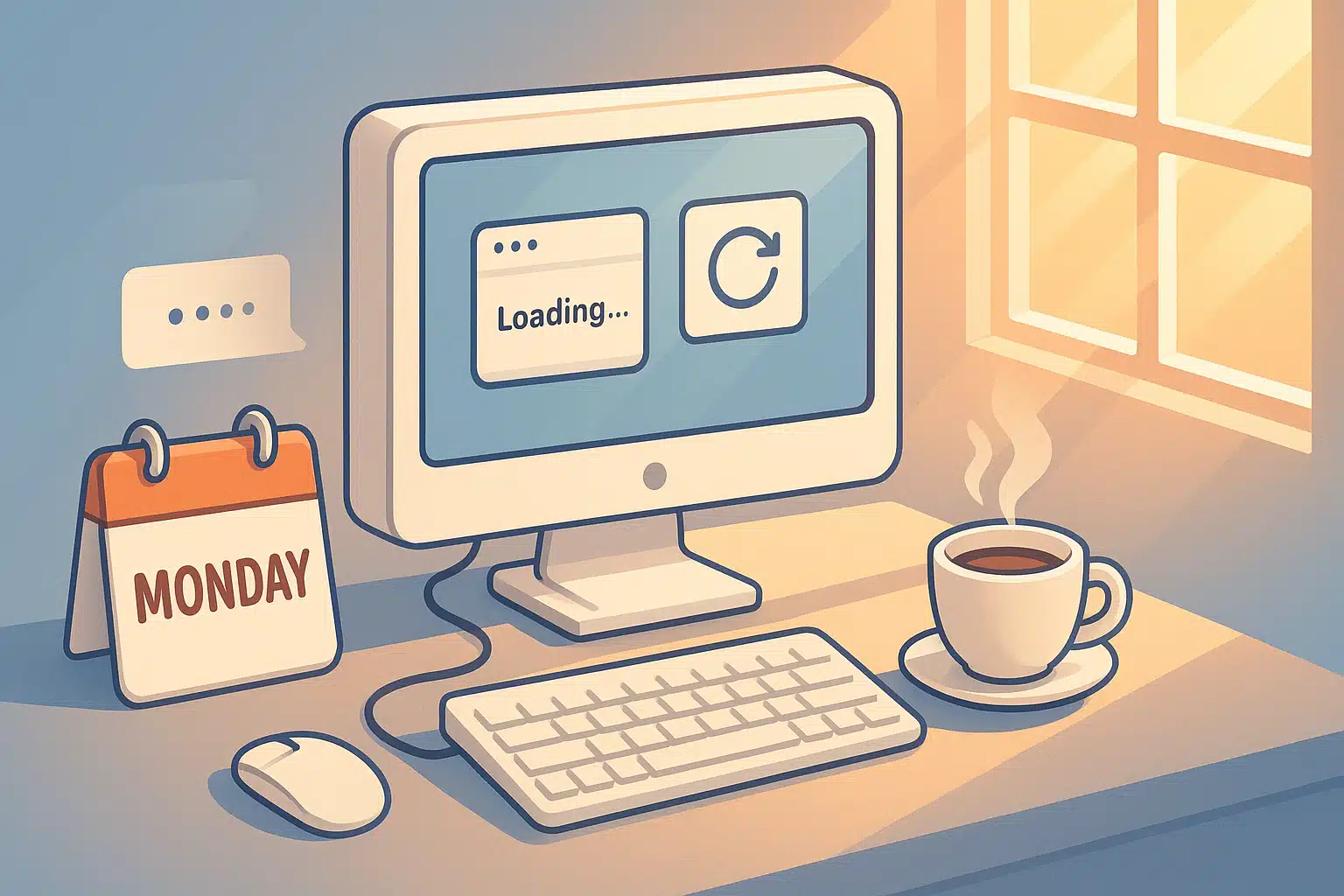
Ever notice how your computer seems extra grumpy on Monday mornings? You’re not imagining it. There’s a real reason: Monday morning is when an entire weekend of pending updates and queued-up tasks lands on your PC all at once. Let’s uncover why your digital companion needs a coffee break too.
The Real Reason Your PC Dreads Mondays
Turns out, computers are more human than we think. Here’s what happens when you power down for the weekend:
1. The Update Ambush
Your PC spent Saturday night downloading updates while you were binge-watching your favorite show. Come Monday morning, it’s installing everything at once. Windows updates, app updates, driver updates—it’s like your computer enrolled in a boot camp over the weekend.
GuardifAI tip
GuardifAI applies Windows and app updates automatically throughout the week — and it never restarts your PC on its own. When a restart is needed, it asks: now, or in 3 hours. No more Monday morning surprise parties from your operating system.
2. The Background Task Party
While you were disconnected, dozens of apps queued up tasks: security scans, cloud syncs, database cleanups, indexing services. They all want to run right now. It’s like everyone trying to get through the same door on Monday morning.
3. The RAM Hangover
If you shutdown improperly on Friday (we’ve all done it), temporary files and cache data pile up. Your RAM wakes up Monday morning with digital clutter everywhere.
4. The Cold Start Effect
Components that haven’t been active for 48+ hours need a “warm-up period.” Hard drives, SSDs, and cooling systems all need time to reach optimal operating temperature.
The Light Friday Fix: 5-Minute PC Prep
Transform your Monday mornings with this simple Friday afternoon routine:
| ⏰ Step | Action | Time | Impact |
|---|---|---|---|
| 1 | Close all unnecessary apps | 30 sec | Clears RAM clutter |
| 2 | Empty recycle bin + downloads | 45 sec | Frees disk space |
| 3 | Check for pending updates | 1 min | Prevents Monday ambush |
| 4 | Use “Restart” instead of “Shutdown” | 30 sec | Clears system cache |
| 5 | Leave PC in Sleep (not off) | 5 sec | Faster Monday startup |
The Psychology of Monday Tech Frustration
Here’s something interesting: even when PCs perform identically on Monday vs. Wednesday, users perceive them as slower on Mondays. Why?
- Mental state matters: You’re already stressed about the work week
- Expectation bias: You expect problems, so you notice them more
- Patience deficit: Weekend relaxation makes you less tolerant of delays
- Task overload: Monday morning = email avalanche + meetings + deadlines
The solution? Set yourself up for success with both technical prep (Friday routine) and mental prep (realistic Monday expectations).
The GuardifAI Monday Morning Advantage
GuardifAI doesn’t just fix Monday problems—it prevents them:
What happens automatically:
- Windows and app updates applied as they come out—no pileup waiting for Monday
- Restarts only with your OK: now or snooze for 3 hours, never on its own
- Startup programs managed (and reversible) so your boot stays light
- Disk, hardware, and performance health monitored 24/7, with plain-language alerts before Monday can surprise you
COMMON MISTAKE TO AVOID
Never force shutdown on Friday afternoon. This corrupts temporary files and guarantees a rough Monday. Always use the proper “Restart” or “Sleep” options.
The Weekend Tech Wellness Checklist
Make your PC’s weekend as relaxing as yours:
DO:
- Use Sleep mode for short weekends (2 days)
- Run a quick antivirus scan Friday evening
- Check available disk space (need 15%+ free)
- Close browser tabs (yes, all 47 of them)
- Unplug unnecessary USB devices
DON’T:
- Leave resource-heavy apps running (games, video editors)
- Download large files right before shutdown
- Ignore “Restart to finish updates” warnings
- Cover your laptop without proper ventilation
- Store your laptop in extreme temperatures
The Science Behind the Solution
Why does the Friday Prep routine work so well? It aligns with how modern operating systems manage resources:
Cache Management: Restarting (vs. shutting down) triggers Windows’ “Fast Startup” feature, which saves system state to disk. Monday morning becomes a resume operation, not a cold boot.
Update Distribution: By checking Friday evening, you control when updates install—not the other way around.
Resource Allocation: Closing apps properly signals the OS to release memory gracefully, preventing memory leaks that accumulate over the weekend.
GuardifAI tip
Advanced tip
Enable Task Scheduler to run disk cleanup every Sunday at 11 PM. Your Monday self will thank your Sunday self.
The Bigger Picture: Tech Wellness Culture
The Monday PC blues are a symptom of a larger issue: we treat our computers like appliances instead of tools that need maintenance. Just like you wouldn’t expect your car to run perfectly without oil changes, your PC needs regular care.
The Light Friday approach creates a sustainable tech wellness culture:
- 5 minutes Friday = 30 minutes saved Monday
- Less stress = better work quality
- Proactive > reactive mindset
- Extended PC lifespan = cost savings
Your Weekend Tech Wellness Challenge
This Friday, try the 5-minute prep routine. Track your Monday boot time and compare it to previous weeks. We bet you’ll notice the difference.
Share your results: Tag us on social media with #GuardifAILightFriday and your Monday morning success story!
Make Every Monday Smooth
GuardifAI takes care of updates, startup programs, and system health all week long. No manual routines needed—just a PC that’s ready when Monday comes.
Free monitoring for every computer you have • No credit card • Setup in 2 minutes
Related: how autonomous PC maintenance works.