 English
 Português (Brasil)
 Español
GuardifAI vs. Antivirus: What Each One Does (and Why You Need Both)
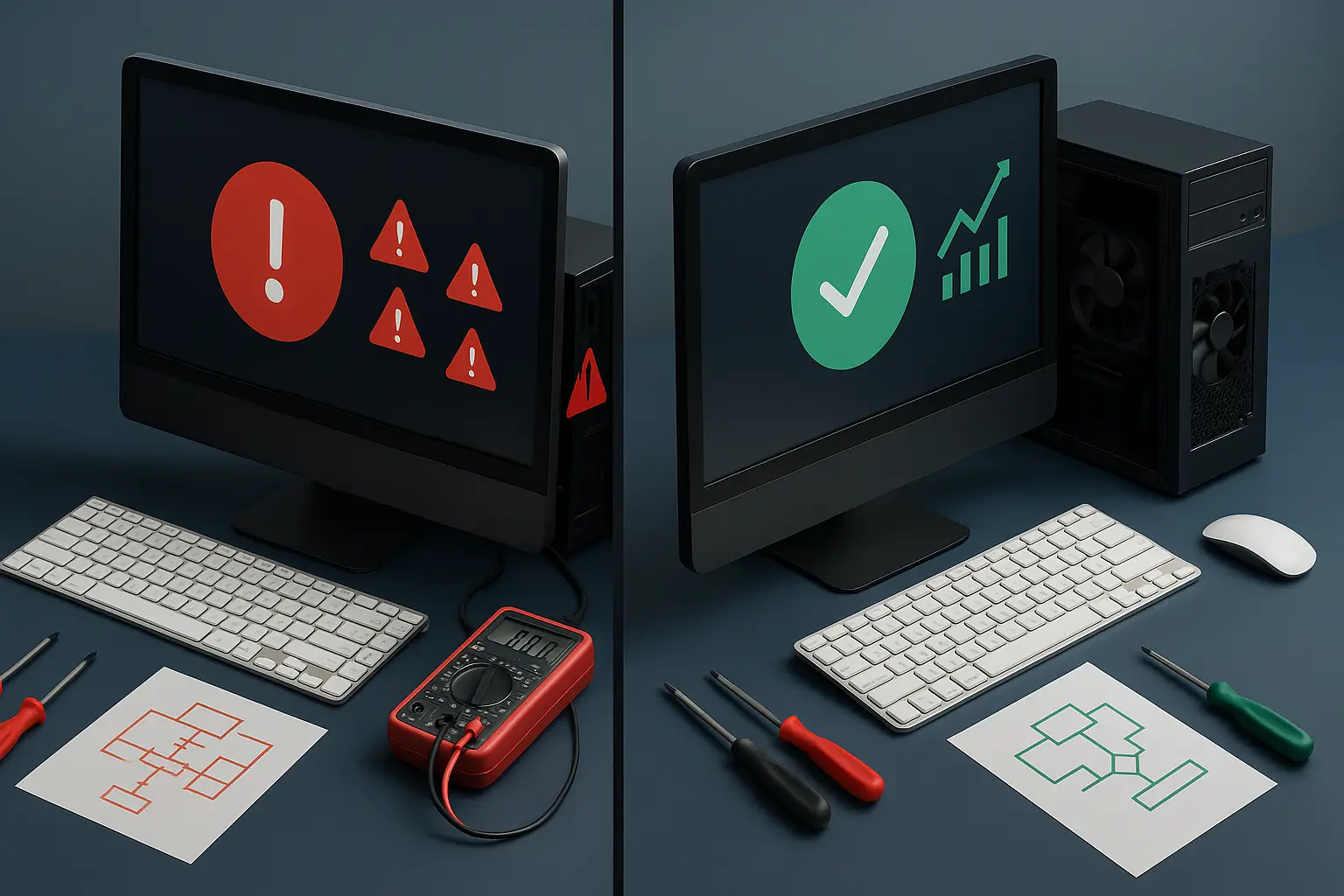
The antivirus icon down in the corner is green, so the machine must be fine. That’s the assumption most small businesses run on — right up until the “protected” front-desk PC eats a morning with mystery slowness, a forced update at the worst possible moment, or a disk that had been failing quietly for weeks. The antivirus never lied. It was just never in charge of any of that.
The short answer
GuardifAI is not an antivirus — and doesn’t try to be one. It makes sure yours is always on, always updated, and actually scanning. And if anything turns your protection off, you’ll know in minutes.
The antivirus is one layer. GuardifAI runs the whole machine: updates, startup programs, hardware health, and the maintenance nobody remembers to do.
What an antivirus does — and does well
An antivirus has one job: recognize malicious software and stop it. Block the download, quarantine the file, flag the sketchy attachment. Windows ships with a capable one built in — Microsoft Defender — and for most small businesses, Defender plus good habits covers the malware side of the problem.
But that one job has edges. An antivirus doesn’t apply Windows updates. It doesn’t update your browser or your PDF reader. It doesn’t notice a disk showing early signs of trouble or a laptop battery quietly degrading. And it can’t fix its own biggest weakness: on machines nobody maintains, the antivirus itself ends up outdated, misconfigured or silently switched off — and nobody finds out until something breaks.
Why “we have an antivirus” still ends in lost mornings
Here’s how it actually plays out in a business without an IT department.
Nobody’s job is the computers, so the computers only get attention when they stop working. Windows asks to update; whoever is at the keyboard clicks “later,” because they’re in the middle of something — and “later” repeats daily for two months. The browser falls behind. The PDF reader falls behind. One machine has the antivirus misconfigured since the day a technician disabled it “just for a minute” during an install and never came back.
None of this announces itself. There’s no light that turns red on the receptionist’s screen when protection has been off for three weeks, no ping when a disk starts logging its first errors. The information exists inside the machine — there’s just nobody assigned to look.
So the failure arrives as a surprise, on its own schedule, and the cost isn’t technical: it’s the invoice that didn’t go out, the customer call taken on a phone because the PC was busy dying, the afternoon someone spent as an involuntary technician. An antivirus was never designed to prevent any of that. Something has to be watching the whole machine — and in most small businesses, nothing is.
What GuardifAI actually does
GuardifAI is autonomous IT maintenance. It runs in the background on every Windows PC and server you register, doing the routine upkeep nobody in the company has time for — continuously, instead of once a quarter when someone finally calls a technician.
On the security side, it operates Microsoft Defender for you: keeps it on, keeps definitions current, runs the scans. If anything switches your protection off — a rogue install, a well-meaning click — you get an alert within minutes, not weeks later.
Around that, it does the work no antivirus was designed to do:
- Applies Windows updates for you.
- Keeps everyday apps updated — browser, PDF reader and other common software.
- Manages what launches with Windows, with every change reversible.
- Watches machine health and warns about the signals that come before failures: overheating, battery degradation, a disk showing signs of trouble, slowdown beyond normal.
- Suggests upgrades when the data shows they’re worth it — not before.
- Alerts you once, in plain language, and marks the issue resolved when it is.
Everything shows up in one cloud dashboard, for every machine, from anywhere.
And it never restarts a computer on its own
This deserves its own section, because it’s where “automatic” tools usually lose people’s trust. When an update needs a restart, GuardifAI asks the person at the keyboard: restart now, with a 60-second countdown, or snooze it for three hours. Mid-invoice, mid-call, mid-anything — the machine waits for you.
What GuardifAI doesn’t do
Honesty runs both ways, so here’s the other side of the comparison.
It doesn’t block malware itself. Detecting and quarantining threats is the antivirus’s job. GuardifAI’s job is making sure that antivirus is actually on duty — which, on unmaintained PCs, is the part that fails first.
It doesn’t “clean junk files” or promise a magically faster PC. That whole category over-promises. What GuardifAI does is concrete: updates applied, startup under control, health watched — the things that actually make the difference between a machine that ages well and one that doesn’t.
It doesn’t predict the future. It won’t tell you your disk will die on a Tuesday. It tells you when a disk starts showing the signs that come before failure — early enough that replacing it is a plan, not an emergency.
It doesn’t replace the person you trust for IT. If you have a technician or an IT company you call, GuardifAI does the repetitive layer and hands them better information. Independent IT professionals use it with their own clients for exactly that reason.
Side by side
| The job | Antivirus | GuardifAI |
|---|---|---|
| Block and quarantine malware | Yes | No — it makes sure yours is doing it |
| Keep the antivirus on, updated and scanning | Can’t watch itself | Yes — and alerts you in minutes if protection turns off |
| Apply Windows updates | No | Yes |
| Keep everyday apps updated | No | Yes — browser, PDF reader and other common software |
| Watch hardware health | No | Yes — overheating, battery, disk, unusual slowdown |
| Restart the machine without asking | — | Never. It asks, and you choose now or later |
What changes in practice
The Monday from the opening goes differently. The updates that used to pile up behind “later” get applied — and when one needs a restart, the machine asks and waits for a convenient moment instead of taking one hostage. If someone (or something) turns protection off on any PC, you know within minutes, with a plain-language alert instead of a mystery. The disk that’s been logging early errors shows up in the dashboard as a warning while it’s still cheap to act on.
And the part you notice most is what stops happening: nobody in the company plays involuntary technician, because the routine that prevents most problems is simply running — on every machine, every day, whether anyone remembers it or not.
So do you still need an antivirus?
Yes — and if you run Windows, you already have one. GuardifAI doesn’t ask you to buy or switch anything: it manages the Microsoft Defender that ships with every Windows PC, and surrounds it with the maintenance that keeps the whole machine healthy.
The question was never “GuardifAI or antivirus.” It’s “who’s taking care of everything the antivirus doesn’t?”
Built for businesses without an IT department
If your business runs on five, ten, twenty Windows PCs — maybe a server or two — and maintaining them is nobody’s job, that’s exactly who GuardifAI was built for. Setup is one small download and an activation key; a machine is registered in under a minute. Every computer shows up in one dashboard, and the routine runs by itself. Plans are per device, and there’s a free tier to start with.
Common questions
Is GuardifAI an antivirus?
No. GuardifAI is autonomous IT maintenance. It manages the antivirus you already have — Microsoft Defender, built into Windows — keeping it on, updated and scanning, and alerting you in minutes if protection turns off. Blocking malware remains the antivirus’s job.
Do I need to buy an antivirus to use GuardifAI?
No. Every Windows PC ships with Microsoft Defender, and that’s the antivirus GuardifAI operates. There’s nothing extra to buy or install on the security side.
I pay for a third-party antivirus. Does GuardifAI manage it?
GuardifAI manages Microsoft Defender specifically — it doesn’t operate third-party antivirus products. Everything else it does (Windows updates, app updates, startup, hardware health, alerts) works the same either way.
Will it slow my computer down?
No. The agent is small and runs quietly in the background. Where you may actually feel a difference over time is in what it maintains: updates applied, startup under control, and disk health watched — the things that make a PC feel slow when nobody maintains them.
Does it work on Mac or phones?
Today, GuardifAI is for Windows — PCs, laptops and servers.
See how GuardifAI works — or start free and monitor your first 3 computers, with monitoring and alerts and no credit card required: create your free account.